Could you guys add an option to re-do a round immediately after finishing it? I was just reviewing 10 sentences as usual but wish I could do those again because I don’t think I retained it as much as I wanted to the first time. I know I could just look back but I’d rather an easy option to just re-do it without changing the usual course of when the sentence would reappear if possible.
5 Likes
I just noticed this option appeared after completing a review round -
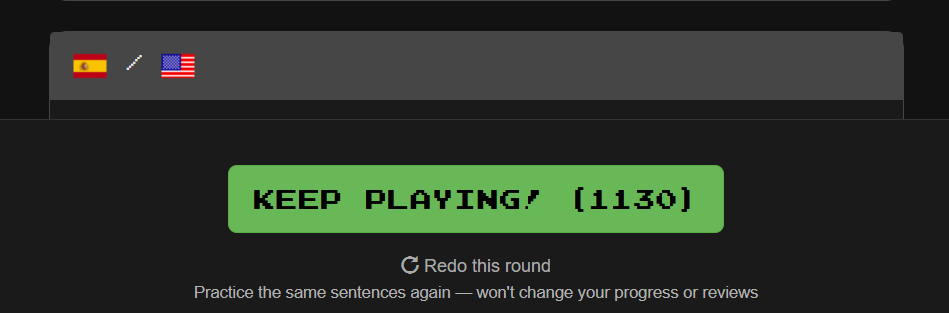
Great suggestion @WildDust5508, it looks like @mike and the Clozemaster team liked your request!
If you choose to redo the round then during the session you have this message at the top of the screen -
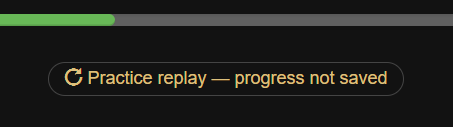
and at the end of the session you have this announcement -
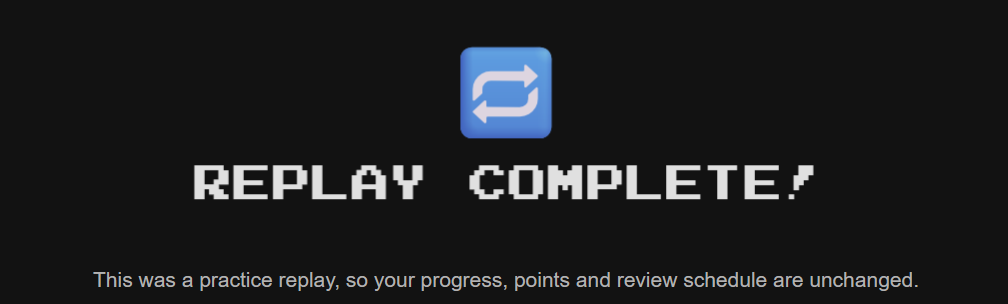
probably so that you don’t get upset that you haven’t scored any points  .
.
Also, the option to redo the round is still available at the bottom of the screen, so you can repeat the review again if you need more practice.
3 Likes
Request: could this be made to exclude any sentences marked as known (and possibly mastered) ?
For my workflow I mark a lot of sentences as known, and I don’t really want to review them again (unless and until I reset the whole collection to run through it again).
@WildDust5508’s request was about redoing sentences in the case of not having retained as much knowledge and familiarity as wanted. If a sentence is marked as known then I would suggest that it doesn’t need to be redone.
6 Likes
@zzcguns thanks for the write up  and @WildDust5508 thanks for the suggestion!
Done! Any issues please let us know.
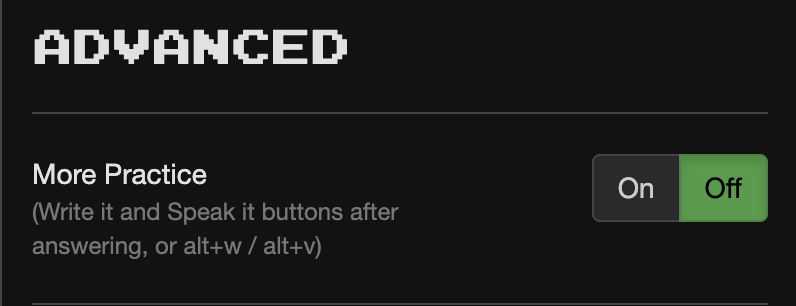
@zzcguns a new game setting you might find interesting too!
1 Like
Thanks for the new settings, and also the fact that these are options so that the buttons don’t clutter the interface for those who don’t want them.
Could I ask what is the purpose of the “Write it” (alt+w) option? I just tried it, and it appears that you simply copy the sentence that is written above i.e. there’s no thinking needed, just the ability to copy. Currently under Text Input we have the option to clear after answering so that we can retype just the word -
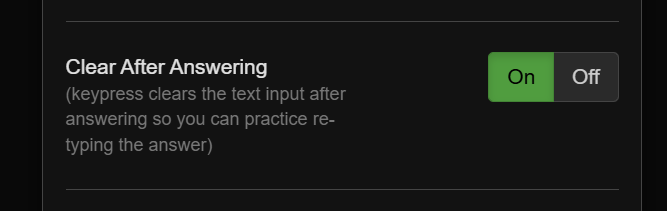
Is there some extra benefit to having an option to type out the whole sentence?
For the “Speak it” (alt+v) option, there is a shortcut for activating the option, but then (on the web version) you need to use your mouse to click any of the buttons. Could you add keyboard options for those buttons on the “Speak it” dialog as well?
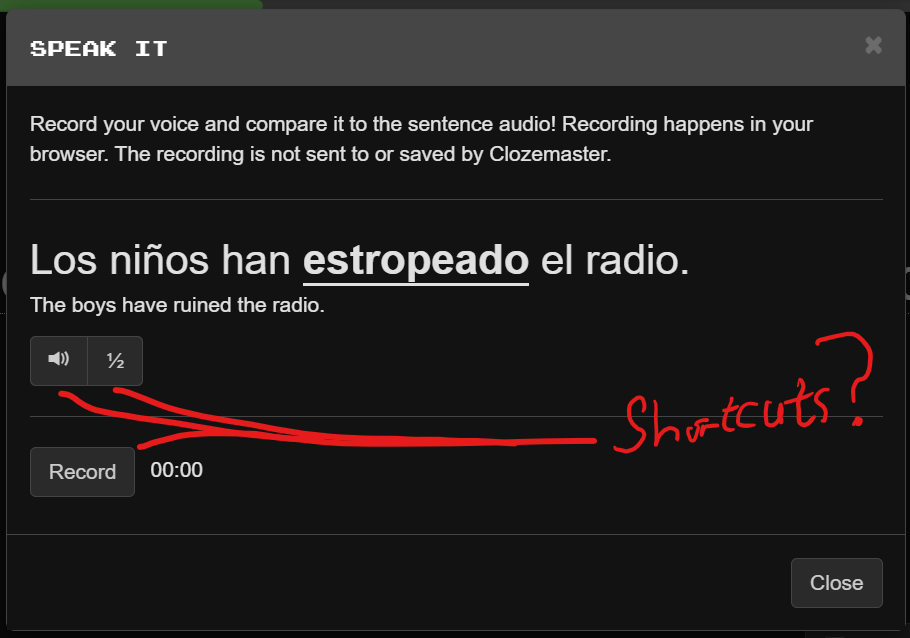
… also, could you add a shortcut for the “Redo this round” button itself.
If I press Enter on my keyboard then that activates “Keep Playing”, but at the moment I don’t see how to get “Redo this round” without using my mouse (on web).
N.B. Now that this excludes sentences marked as known, I really like this feature (thanks @WildDust5508 and @mike). Therefore I want to be able to activate it quickly from the keyboard as part of my normal workflow.