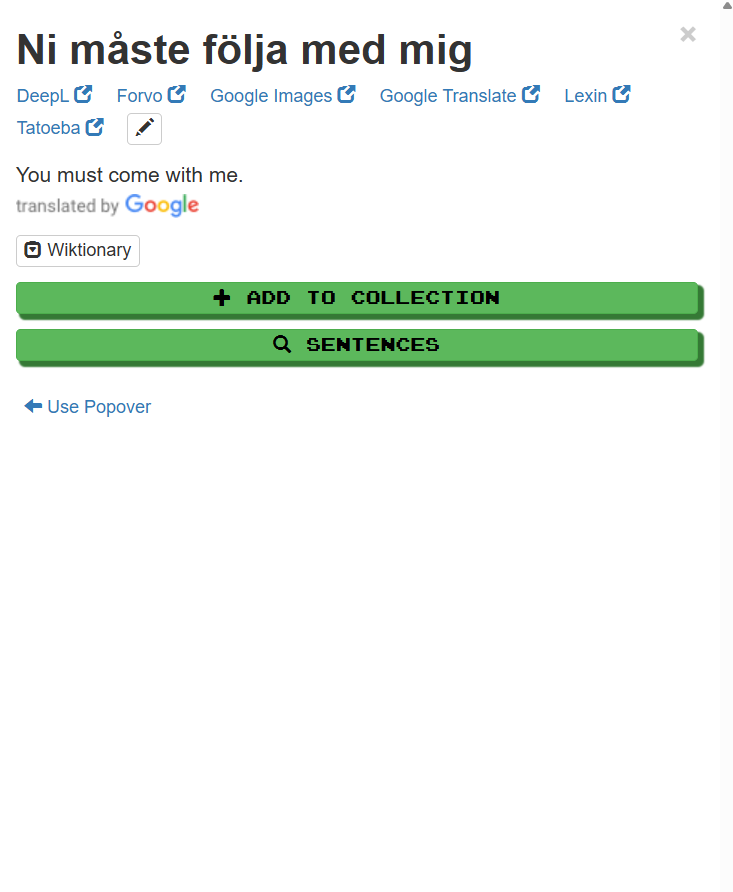
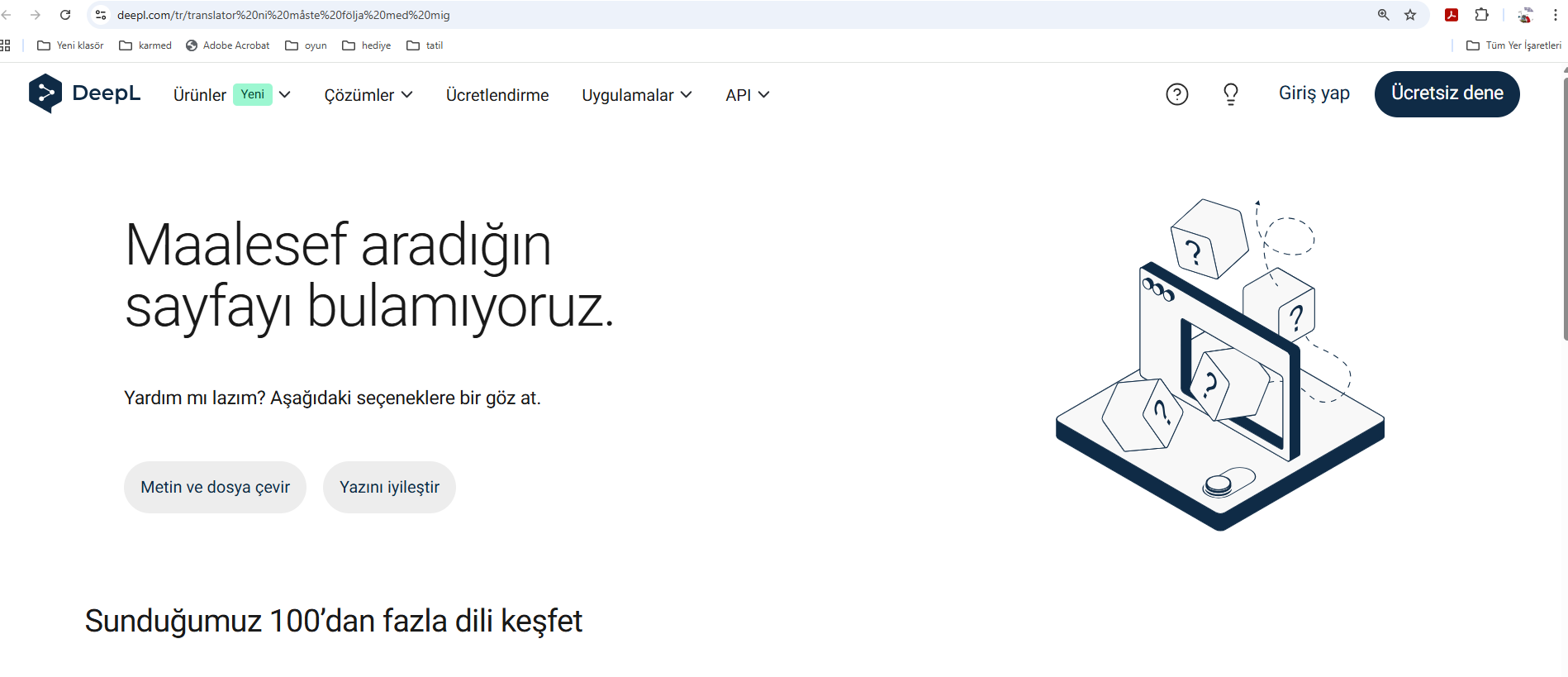
The shortcut we used for Google Translate or Tatoeba was working the same way in Deepl (if you defined it) but it hasn’t been working for a few weeks.
1 Like
Can you tell us either the address/URL pattern you’re using, or an example of an address/URL for a specific word?
of course.
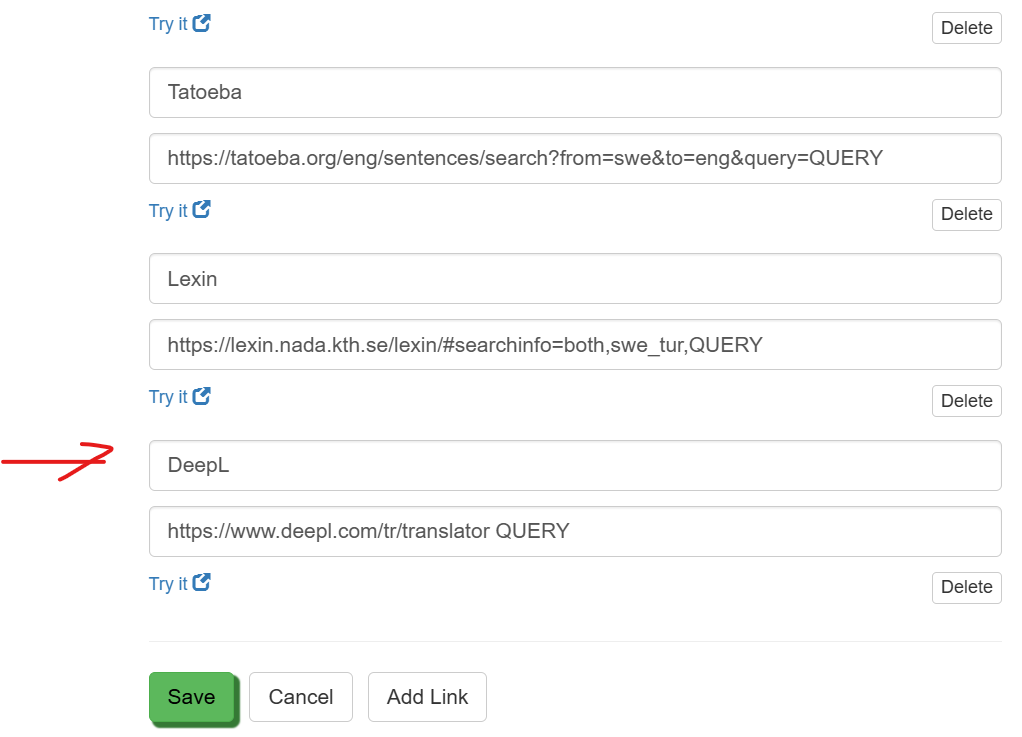
I am using that address:
‘’ DeepL çeviri ile metinleri & belgeleri anında çevir. Her gün milyonlarca kişi DeepL ile online çeviri yapıyor. QUERY ‘’
I just tried using it with the following URL based on your example, and it works -
https://www.deepl.com/tr/translator#sv/tr/Ni%20m%C3%A5ste%20f%C3%B6lja%20med%20mig
Therefore for a Swedish to Turkish translation with DeepL offering its Turkish interface, the following search query in Clozemaster should work -
https://www.deepl.com/tr/translator#sv/tr/QUERY
The DeepL query interfaces that are offered by default for the languages that I’m studying work for me (all as target language from English).
I’ll add that the language codes that you need to use for the “#XX/YY” part for translating from language XX to language YY are stated on this webpage -
Languages supported - DeepL Documentation
2 Likes
That query URL appears to be broken. Could you try the one that I included in the reply that I posted a few moments ago?
https://www.deepl.com/tr/translator#sv/tr/QUERY
2 Likes
I tried and it works. Thanks for the quick help, I’ve been having this problem for a few weeks now, it was quite frustrating 
2 Likes
Where is the deepl URL setting? Mine doesn’t work either.
there is not deepl URL setting. You must add first.If you look at the image, you’ll see the option to ‘’‘Add Link’’ something below. So you must copy and paste link here