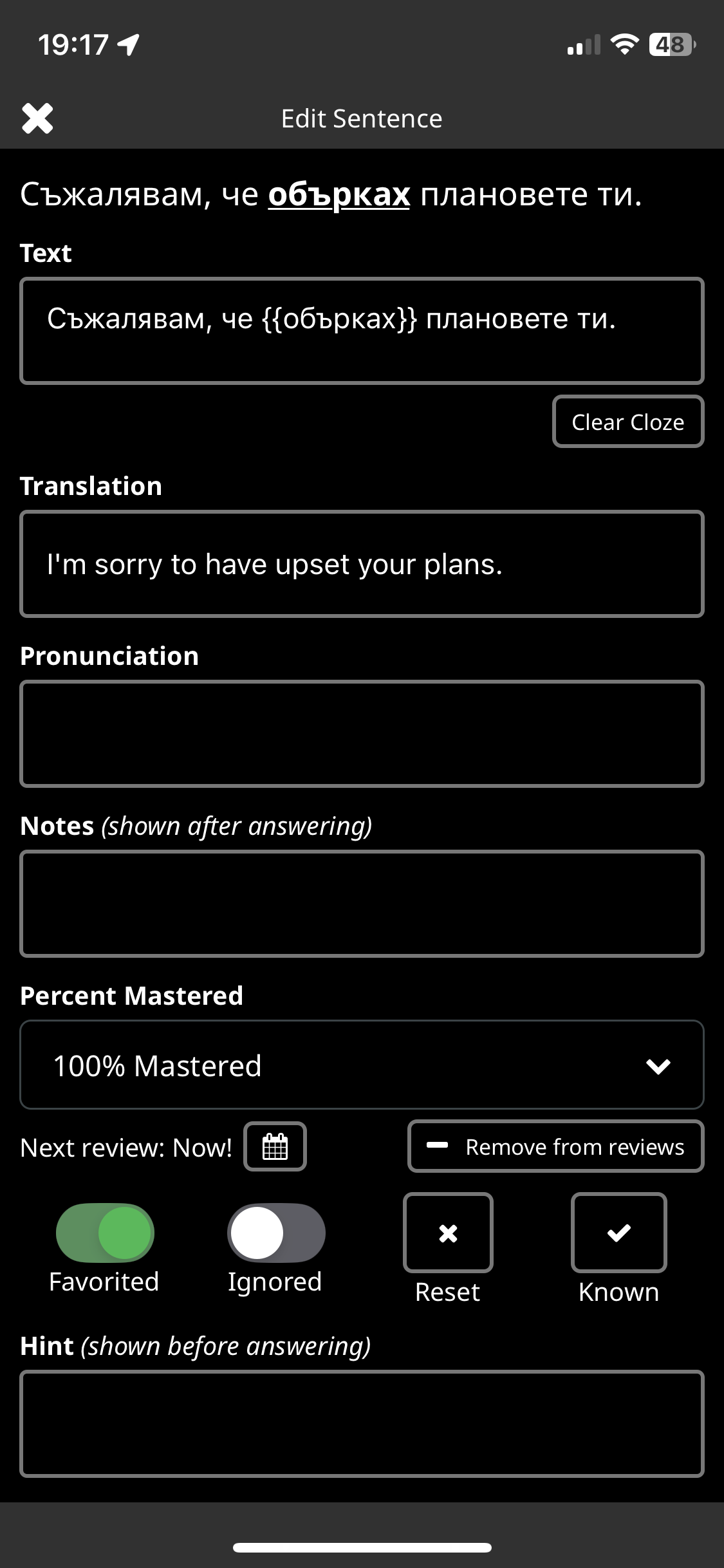
If you’re up for a real challenge and want to tackle entire sentences at once, you could have a look at my shared collection in Spanish from English called Full Clozure, which currently contains nearly a thousand Spanish sentences fetched directly from Tatoeba, with the clozes consisting of the entire sentence (where possible). Some of the sentences are very recent, so you may never have seen them before.
This is probably not for beginners, but still, having to try to formulate entire sentences, even if you don’t get them quite right, is beneficial to learning grammar and syntax in a way that one-word clozes can never teach as effectively, in my humble opinion.
Thanks for that, but I’m a lazy student that prefers to switch to multiple choice after I have decided on the answer. Your solution does have the advantage of hinting about the number of words though, which mine hasn’t.
BTW, to what degree will the edits I make on individual clozes in a shared collection owned by me be reflected to other users? If I delete a cloze, will it be deleted for everyone?
It’s a shame I had to resort to full-sentence clozes, when a simple option to hide the entire target sentence would do the job in all collections. We already have options to set font sizes and hiding this and hiding that, so why not add this option as well? I know, the options dialog is already cluttered enough, but IMO it needs an overhaul anyway.
Brief aside - thoroughly enjoying your Collection @morbrorper. I tend to work on the app but will come here more often so as not to miss more similar collections.
Trying this again, my impression is that this would be great, if only there was a button to switch to ordinary text input or multiple choice after having made a rough translation in one’s head.
Typing a long sentence can be a bit tedious, especially if the aim is to practice syntax and fluency.
Looking forward to see something like this as an official option.
Thank you. I just tried this and I love it! I can only go very slowly, but the process is very helpful, in a way that’s different from vocab building. I have done some full sentence mode exercises in listening, but this is great since you really need to try to build a sentence with very little help - just the lines for each word in the sentence and punctuations from the sentences.
2 things I noticed that made this harder than necessary :
The alt + short keys do not work for the accents
when there is a question mark at the end, if you don’t put in a space after the sentence, it is marked as wrong. Can this be changed or is it intentional to build the habit of putting in a space before question marks and exclamation points?
Just tried this now, it’s awesome but not so easy–after 3 sentences I’m exhausted!
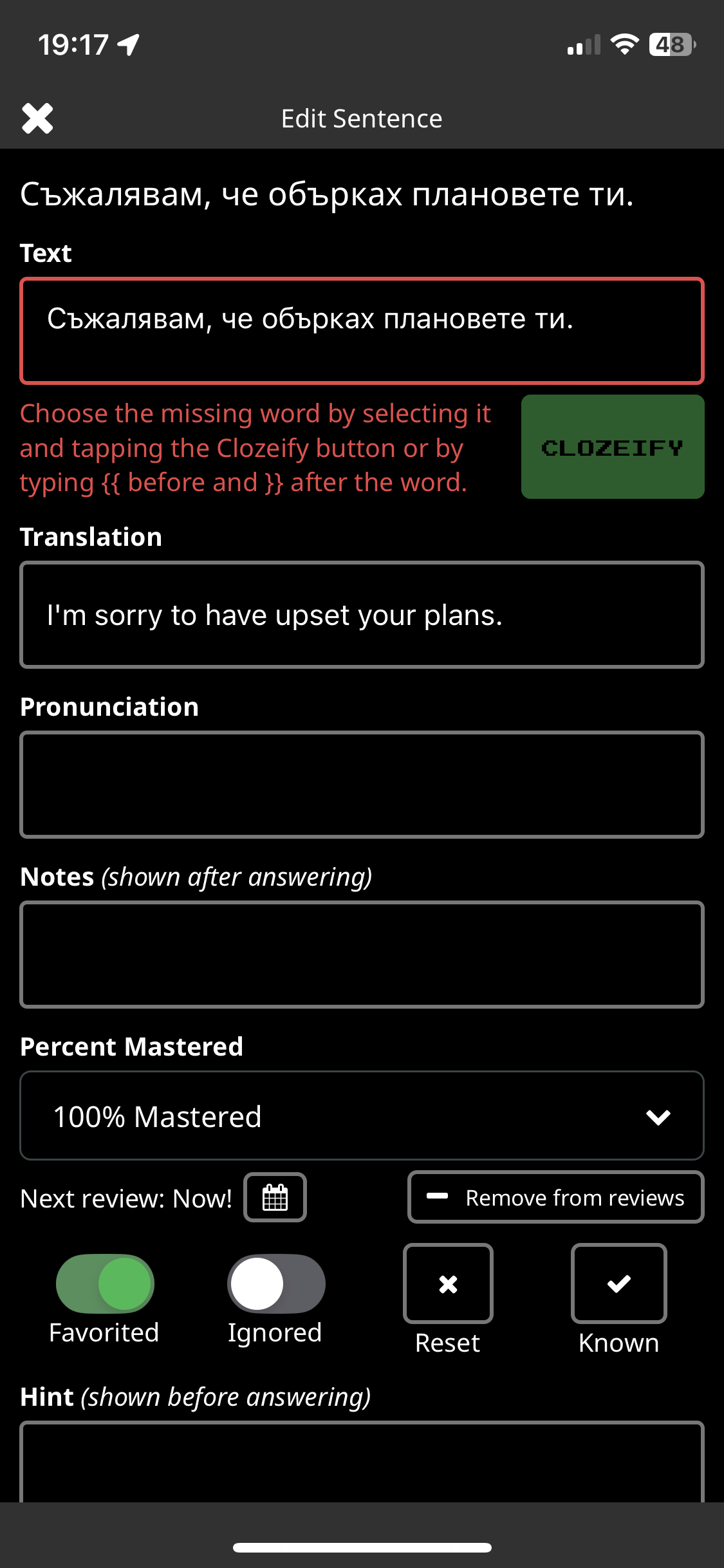
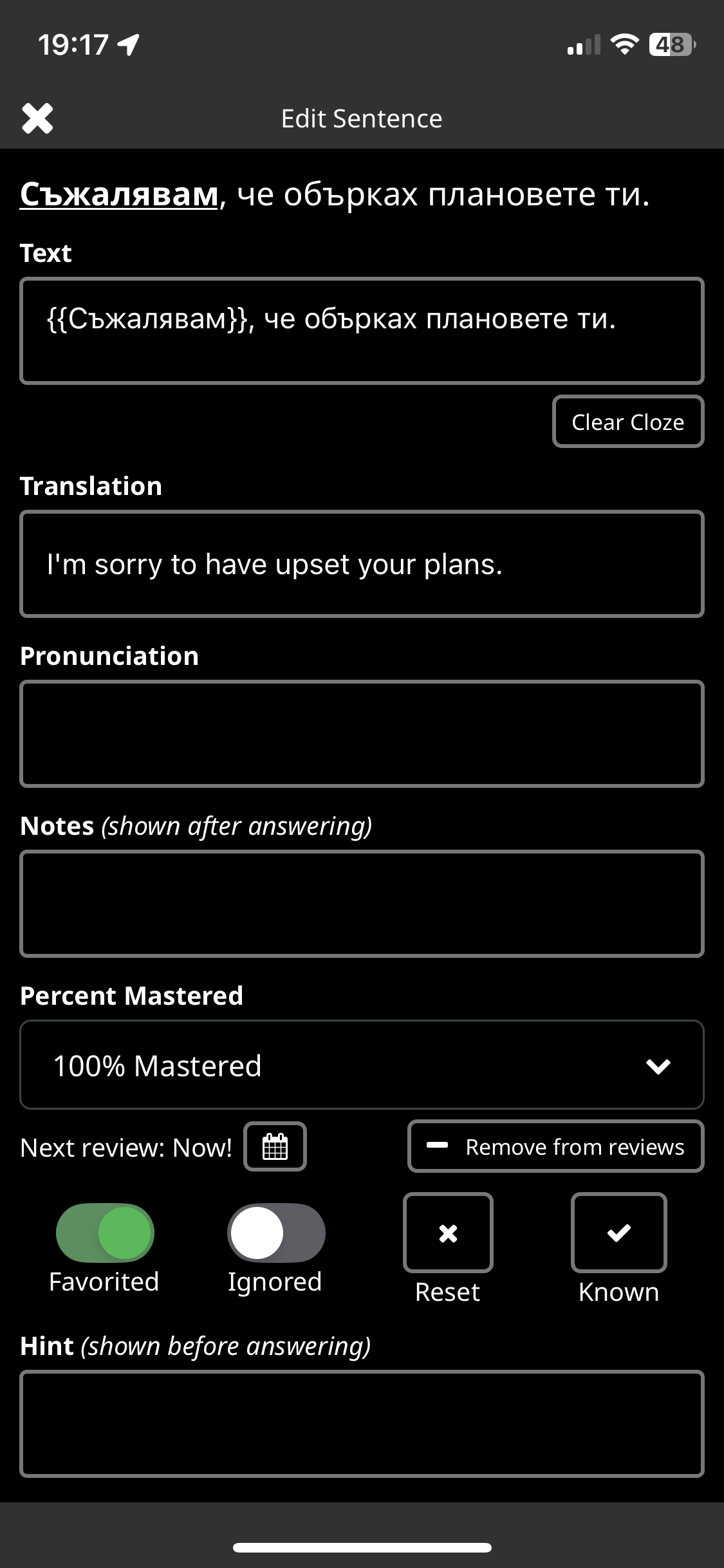
Btw I’m working on a collection now where I clozify a 3-word construction for a certain tense/mood, it’s so easy and efficient to do in the app rather than web version. Of course one could make a collection and edit each sentence as you play, use Select All, remove the period and clozify the entire thing, that way could even be used as full sentence multiple choice (which would be good for beginners).
May I ask you how you do that? I find it’s much easier in the browser to create my own clozes. I just select a word and choose “Add to collection”, and from there I can edit my new cloze any way I wish. Is that even possible in the app?
Actually I was referring to changing the Cloze word or phrase in a given sentence, very easy to do in the app because it has a button to declozify and then to clozify, can’t do so easily in browser version (at least not Safari)
Thanks! I didn’t find it because I was trying in vain to create new clozes from the Fast Track. Am I correct in thinking that this can only be used to change existing clozes in custom collections? I hope I’m missing something.
Yes it seems to be only for custom. I find it quite useful to learn certain grammatically important words, so I clozify those and set the multiple choice to be cloze words only, not random.
There may be a simpler way to achieve this than creating a new collection:
if you change your language pairing from English to Spanish into the other direction (as if you were a Spanish speaker who wants to learn English), then you show the full English sentence, without audio, and then translate it before seeing the full Spanish “original” sentence.
This will not give you the Spanish pronunciation, but, if you are more advanced already, you probably will not need this.
The sentences in both collections are likely to be (nearly) identical, so, no extra work.