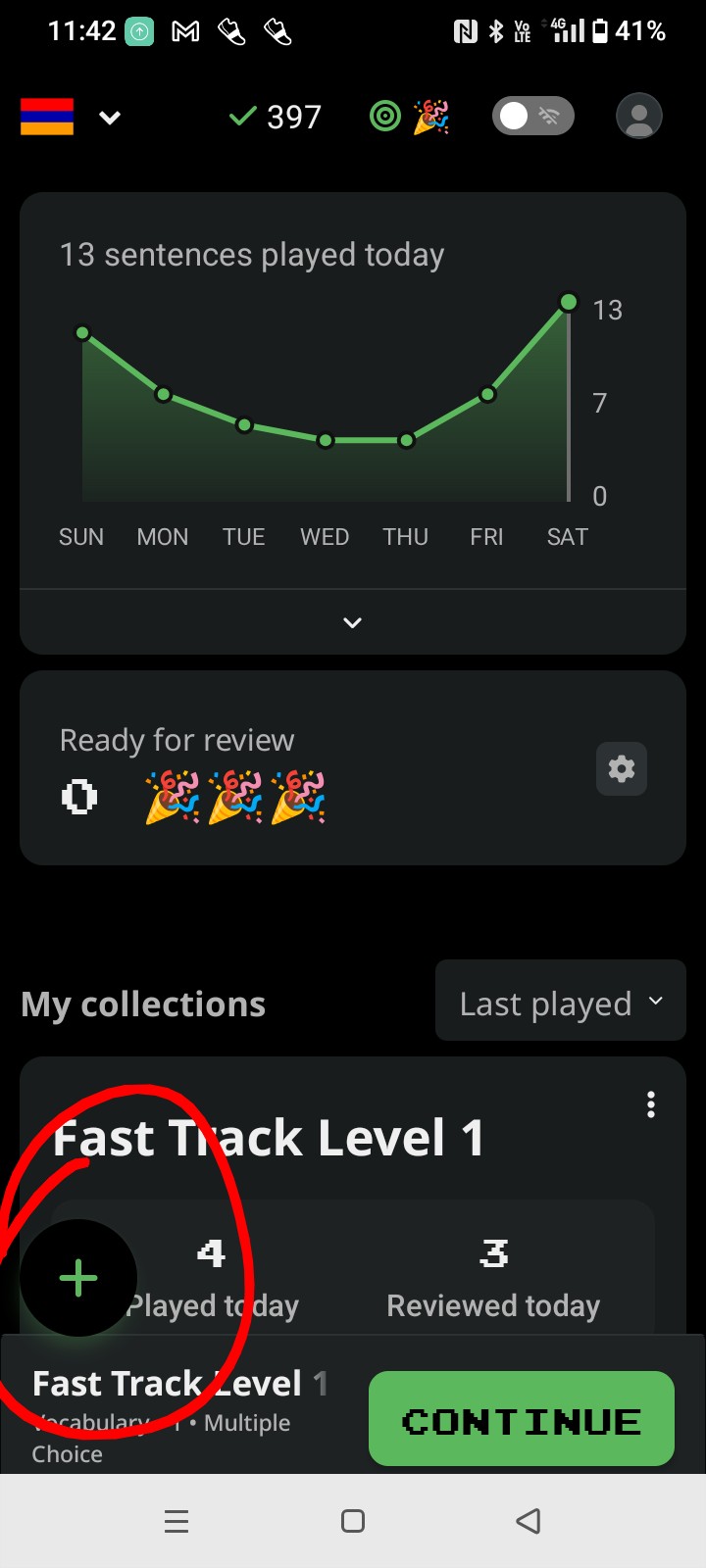
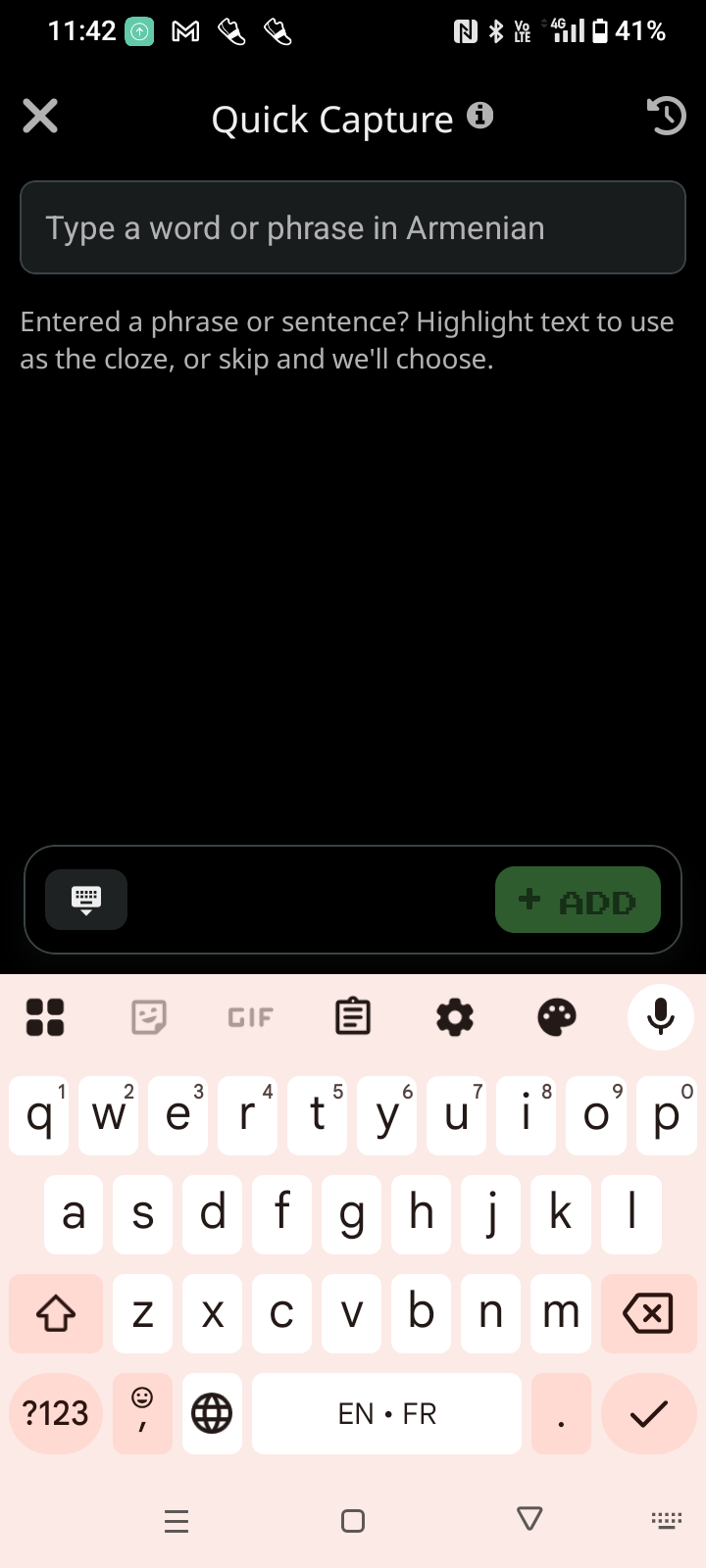
There is an extremely useful feature in the mobile app called Quick Capture. It lets you write a sentence in the target language, and when you enter it, the app not only selects the cloze automatically but also adds a correct translation as well, obviously with the help of AI.
Unfortunately, this feature is not available on the website, even though it would arguably be even more useful there, since users could easily copy text from webpages, books, and other sources. On the website, by contrast, we have to write the translation ourselves. That is not necessarily a bad thing, but it does make the whole process slower and a bit more cumbersome.
Would it be possible to add this feature to the website as well?
Work in progress to get this added to the web app as well, and generally improve custom collection creation/support. We’re also considering it as a browser extension.
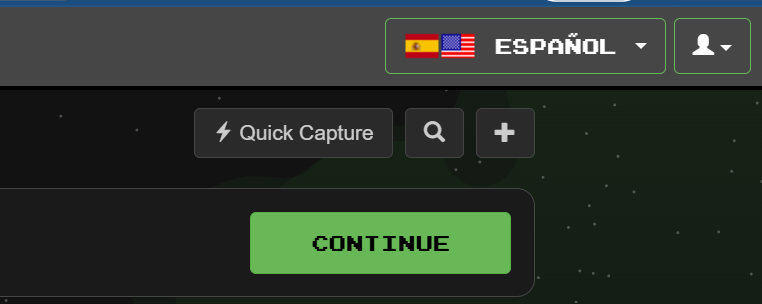
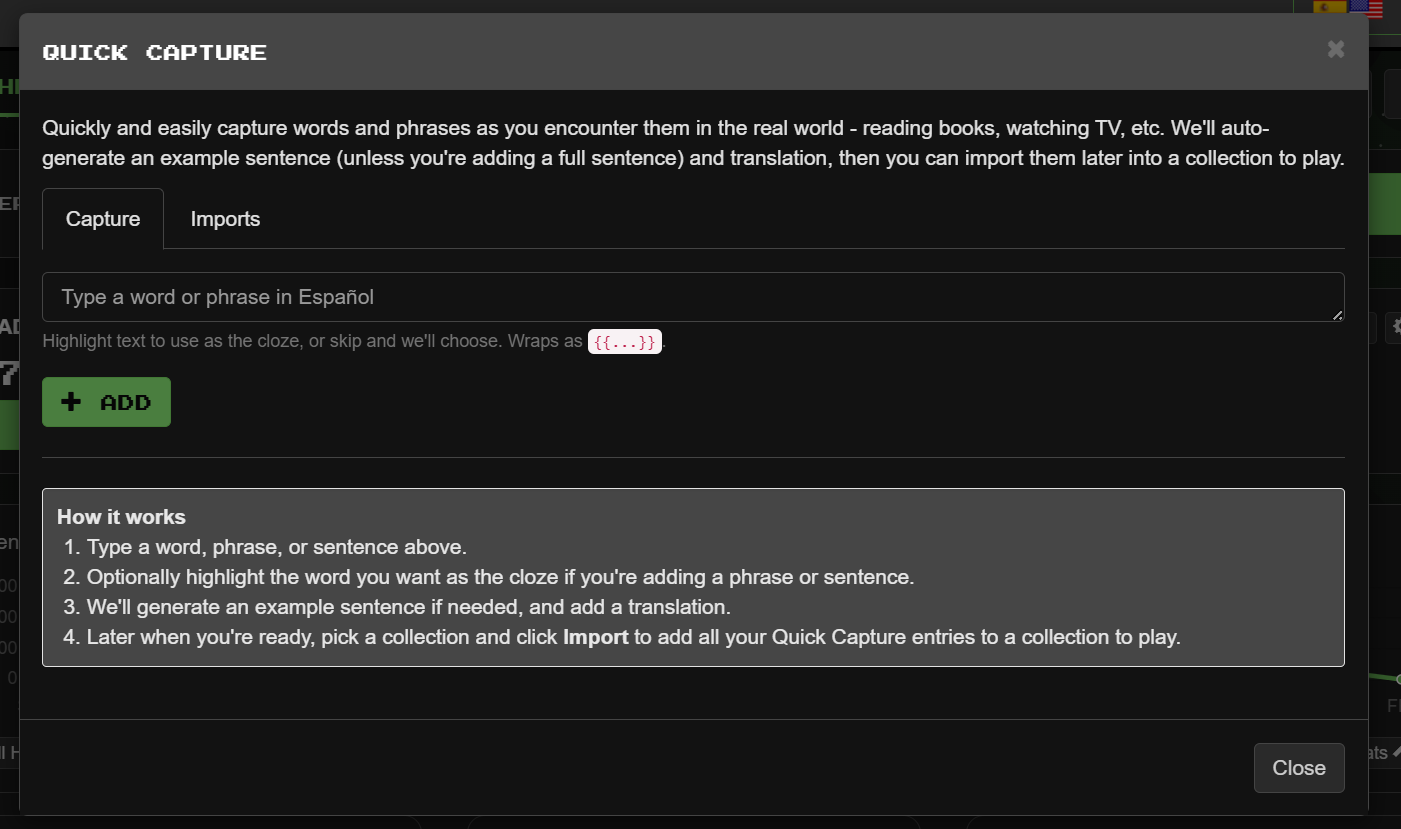
I’m not sure if this has just appeared on the website, but it’s the first time that I’ve noticed this button in the top right of the page next to the sentence search button -
Sometimes when I’m importing a phrase with a word highlighted I’m unable to generate an Ëxplain" to go with the new Cloze. Is there a way to force it or do it manually?
Ciao Voador! I haven’t yet explored this new feature but greatly appreciate the Explain feature for Italian though prefer the original version. In bocca al lupo with your new Cloze Explain;-)