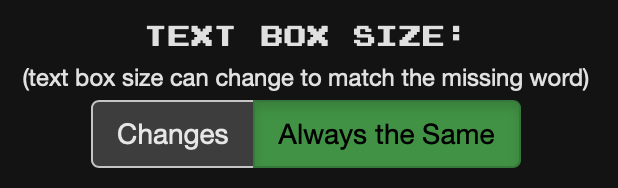
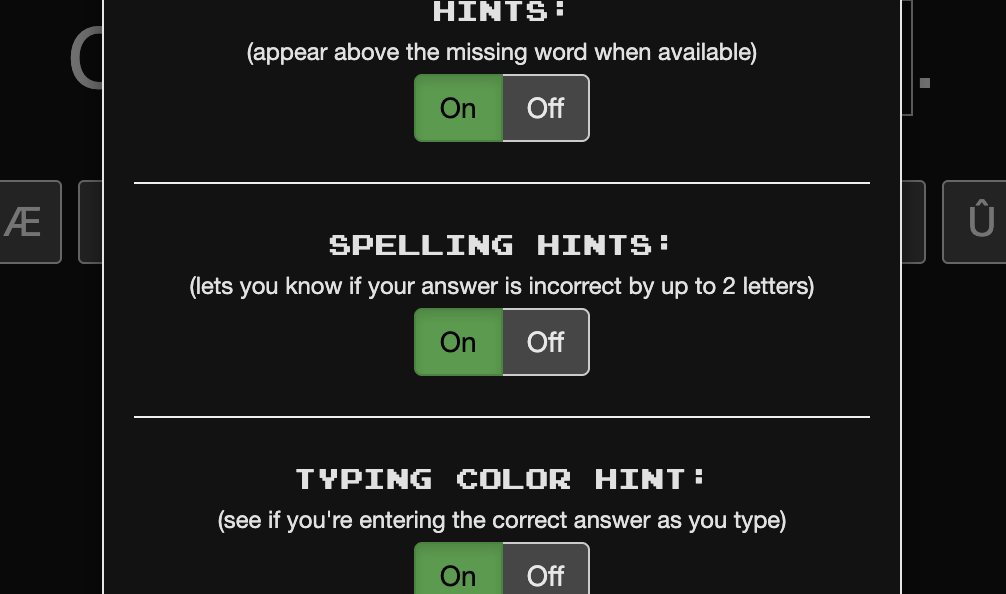
This really drives me nuts: if your word is off by 1 or 2 letters and press enter you get this “Almost! Off by 1 letter.” notification. This means I have to press enter again which is super annoying and gets me out of the flow. It’s kind of obvious that a word is 1 or 2 letters off because it almost is the length of the input box. And I press enter because I simply want to know the word, regardless of how many letters it is off.
Would it be possible that enter always shows you the word directly, so the notification can be disabled? I also noticed that enter sometimes doesn’t work immediately regardless of the popup but that might also be my computer. I replaced my computer keyboard last week, so it’s not my enter key
As a workaround, you can press Alt and p to switch to multiple choice. That way you can see the answer and then press 1, 2, 3 or 4 to select the answer. That gives you the chance to still answer the sentence correctly rather than marking it as failed.
Myself, I have configured for the size of the text box to be independent of the solution because I found my practice to be too easy otherwise. Often I could guess the solution from the length of the box alone.